Your cart is empty
Your cart is currently empty. Let us assist you in finding the right product.

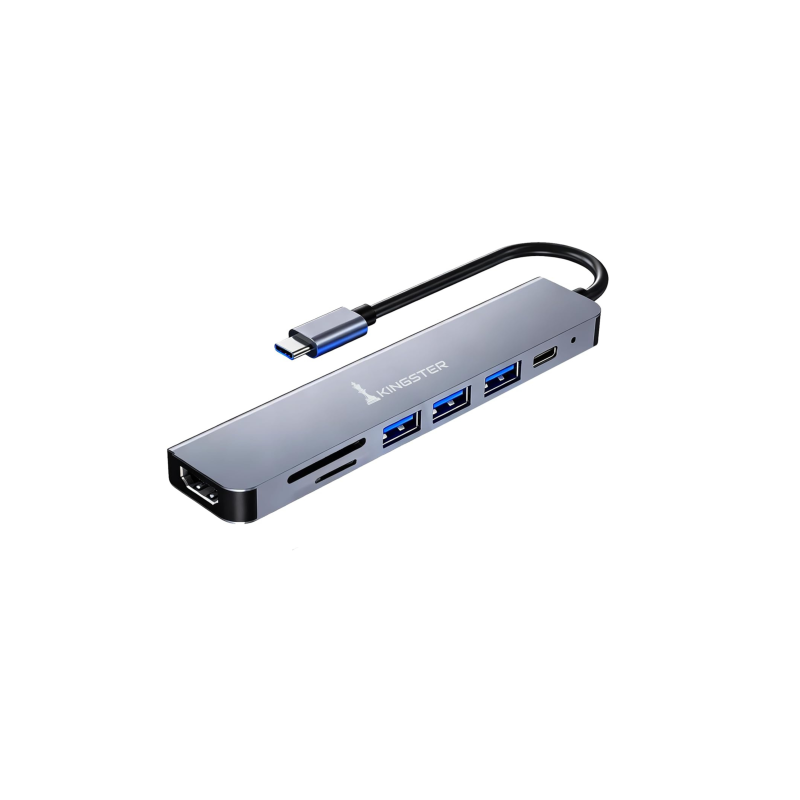
Modern laptops are getting thinner, and with that comes fewer ports. If your laptop only has USB-C ports or just a couple of USB-A ports, a USB hub or docking station is the practical solution to connect everything without buying adapters for each device.
A USB-C hub plugs into your laptop's USB-C (Thunderbolt or USB4) port and expands it into multiple connections. A good 7-in-1 USB-C hub typically adds:
This replaces a handful of separate dongles with one compact device. The KINGSTER 7-in-1 USB-C Hub Docking Station includes all of the above and is designed for MacBook, Dell XPS, HP Spectre, Lenovo ThinkPad and other USB-C laptops used widely in India.
If your laptop has USB-A ports, a standard USB-A hub simply adds more USB-A ports. These are cheaper and more widely compatible — plug into any laptop from the past decade. The limitation is they cannot output to a monitor or charge your laptop.
With 100W Power Delivery, you can plug your laptop's charger into the hub and power the hub's peripherals AND charge your laptop simultaneously — using a single USB-C cable from hub to laptop. Without it, using the hub means your laptop runs on battery.
Not all USB-C ports support video output. Thunderbolt 3/4 and USB4 ports support HDMI output via a hub; some basic USB-C 3.2 ports do not. Check your laptop's spec sheet for "Thunderbolt" or "DisplayPort Alt Mode" support. MacBooks, HP Spectres, Dell XPS and Surface Pro all support it.
The KINGSTER 7-in-1 USB-C Hub is built with aluminium casing for heat dissipation, genuine USB 3.0 data speeds, and a 100W PD port — a practical upgrade for any modern Indian laptop user.

Discover more stories and style tips to keep your inspiration flowing.
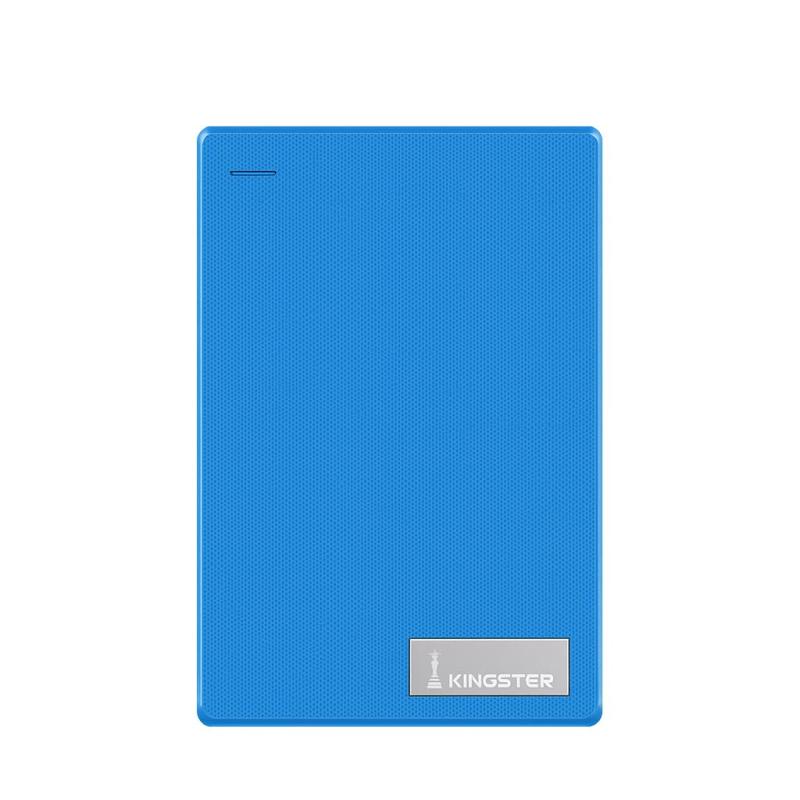
09 July
Looking for the best external hard drive in India? This guide covers what to check — speed, capacity, compatibility and price — before you buy a portable HDD in 2026.
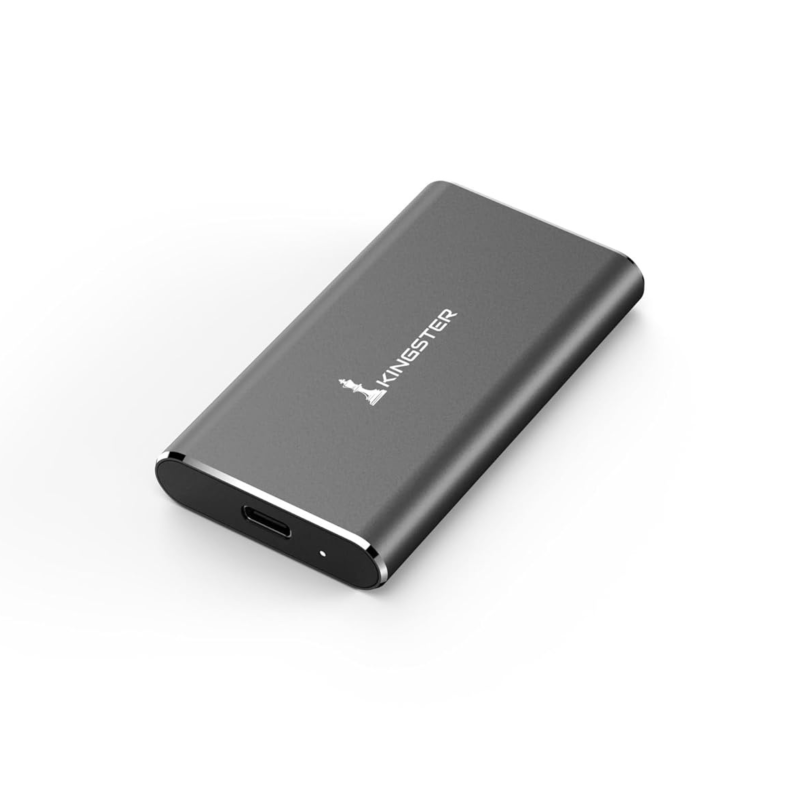
09 July
Portable SSD or external HDD — which is the smarter buy in India? Compare speed, price, durability and use cases to decide what suits your needs.
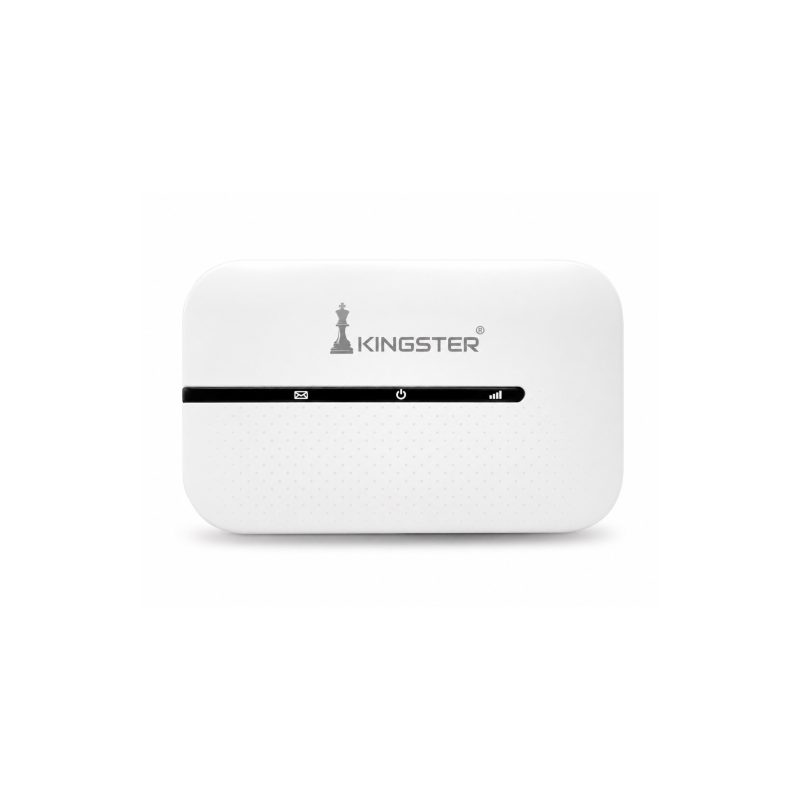
09 July
Looking for the best 4G or 5G pocket WiFi hotspot in India? This guide covers what to check — speed, battery, SIM support and price — before buying a portable WiFi router.
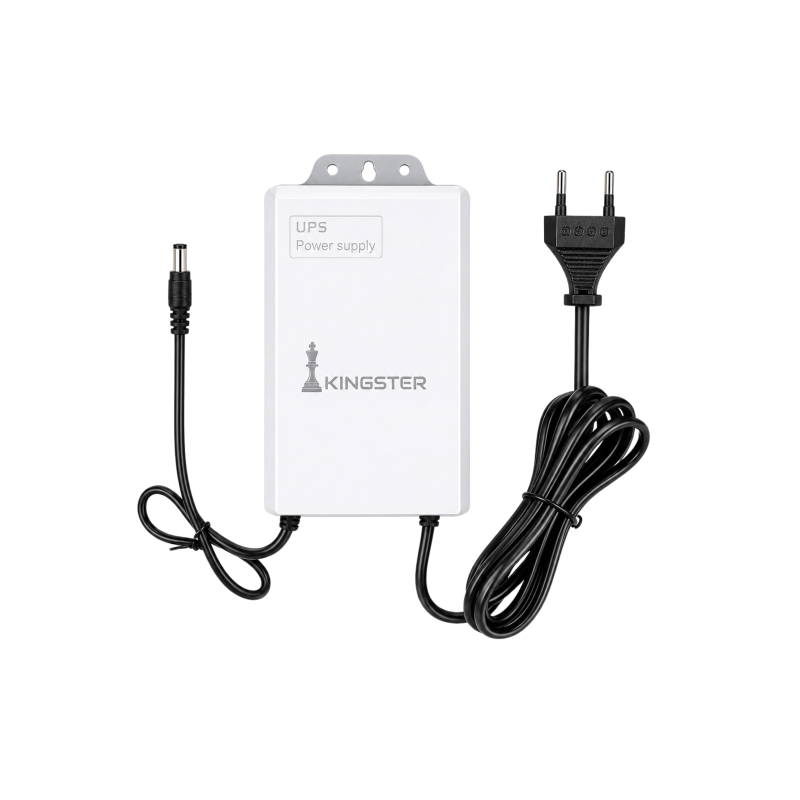
09 July
Power cuts are common across India. A mini UPS for your WiFi router keeps your internet running during outages. Here is everything you need to know before buying one.

09 July
Looking for the best silent wireless mouse for work-from-home in India? Here is what to look for — Bluetooth, battery life, click noise and ergonomics — before buying one in 2026.

28 May
Small calibrations to your phone, watch, and home setup that save hours every week.
Buy ₹100.00 more to get free shipping
Your cart is currently empty. Let us assist you in finding the right product.