Your cart is empty
Your cart is currently empty. Let us assist you in finding the right product.

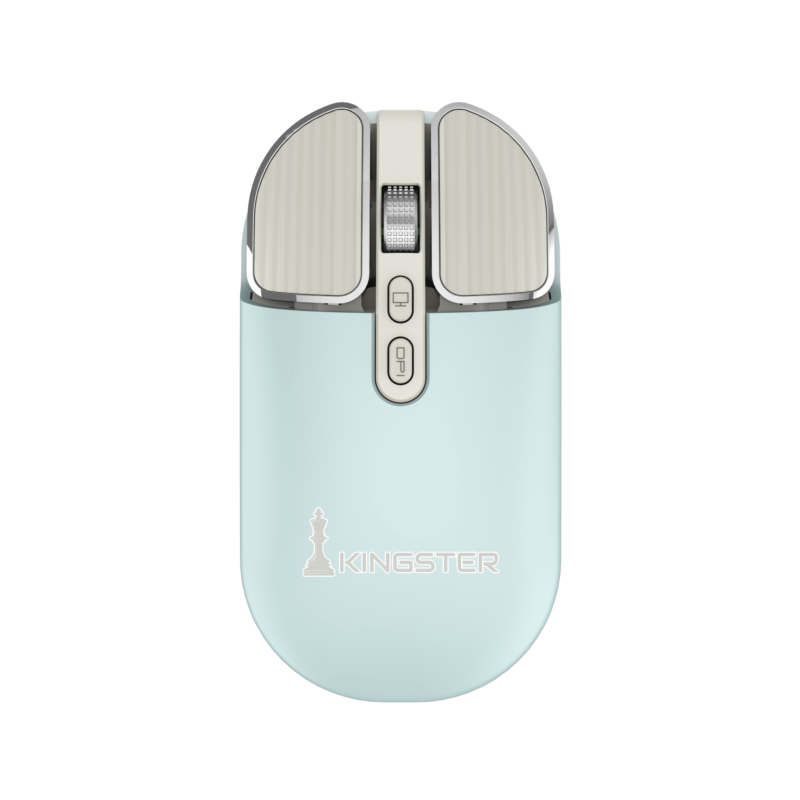
The click-click of a mouse in a quiet home office or on a video call is more distracting than most people realise. A silent wireless mouse with muted micro-switches removes that noise entirely while keeping the satisfying tactile feedback of a click. Combined with wireless freedom, it is one of the most practical upgrades for work-from-home setups across India.
Silent mice use dampened micro-switches that absorb the sound of the click mechanism. The click still registers precisely, but produces a soft thud instead of a sharp click. Noise is reduced by around 95% compared to a standard mouse. This matters in shared workspaces, small flats where a family member may be sleeping nearby, and video calls where mouse clicks can be picked up by the microphone.
The most versatile wireless mice in 2026 offer dual connectivity:
The KINGSTER Wireless Bluetooth Mouse supports both modes and lets you switch with a single button — useful if you use the same mouse with a laptop and a desktop.
For long work-from-home sessions, ergonomics matter significantly. A symmetrical (ambidextrous) shape works for both hands and is generally comfortable for 3–6 hours of use. If you use a mouse for 6+ hours daily, a dedicated right-handed ergonomic shape reduces wrist strain better. Most budget wireless mice in India are symmetrical.
Two approaches dominate the market:
The KINGSTER mouse uses a built-in rechargeable battery (charged via USB-C), designed for daily office use with up to 60 days per charge under normal use.
DPI controls how fast the cursor moves per millimetre of mouse movement. For office work (spreadsheets, documents, email):
The KINGSTER Wireless Silent Mouse comes in Sky Blue, Glossy White, Sage Green and Silver — designed to match current work-from-home desk aesthetics rather than the standard black. Dual-mode (BT 5.2 + 2.4 GHz), USB-C rechargeable, silent click, adjustable DPI. Available with free delivery across India at kingster.info.
Discover more stories and style tips to keep your inspiration flowing.
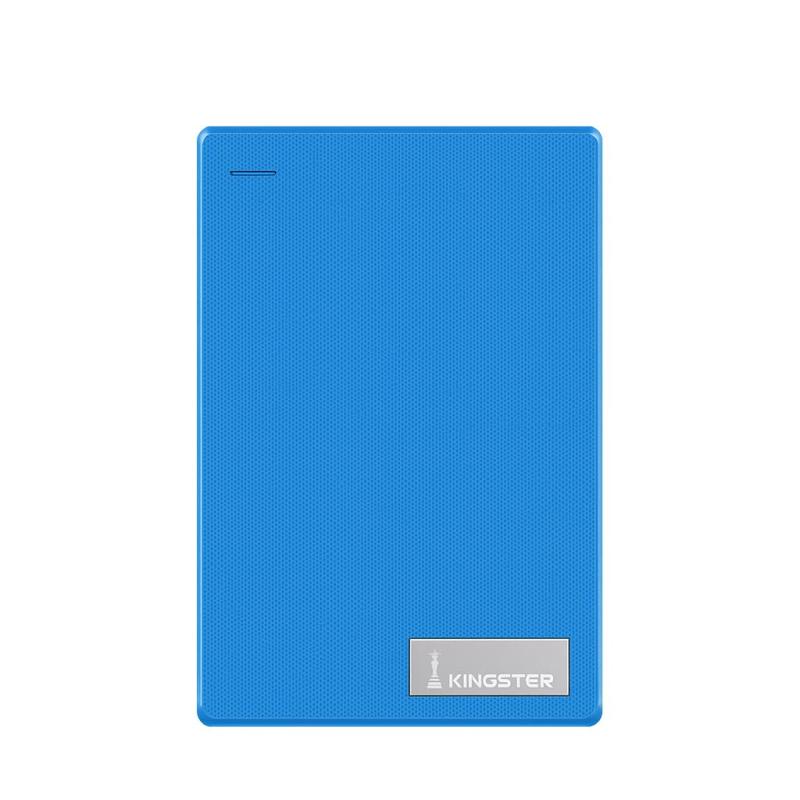
09 July
Looking for the best external hard drive in India? This guide covers what to check — speed, capacity, compatibility and price — before you buy a portable HDD in 2026.
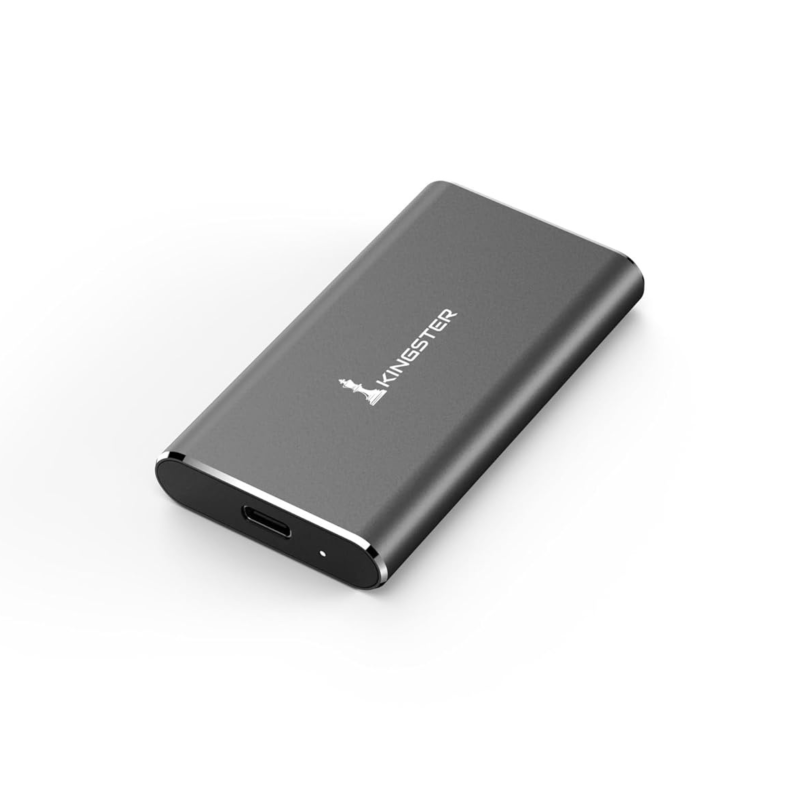
09 July
Portable SSD or external HDD — which is the smarter buy in India? Compare speed, price, durability and use cases to decide what suits your needs.
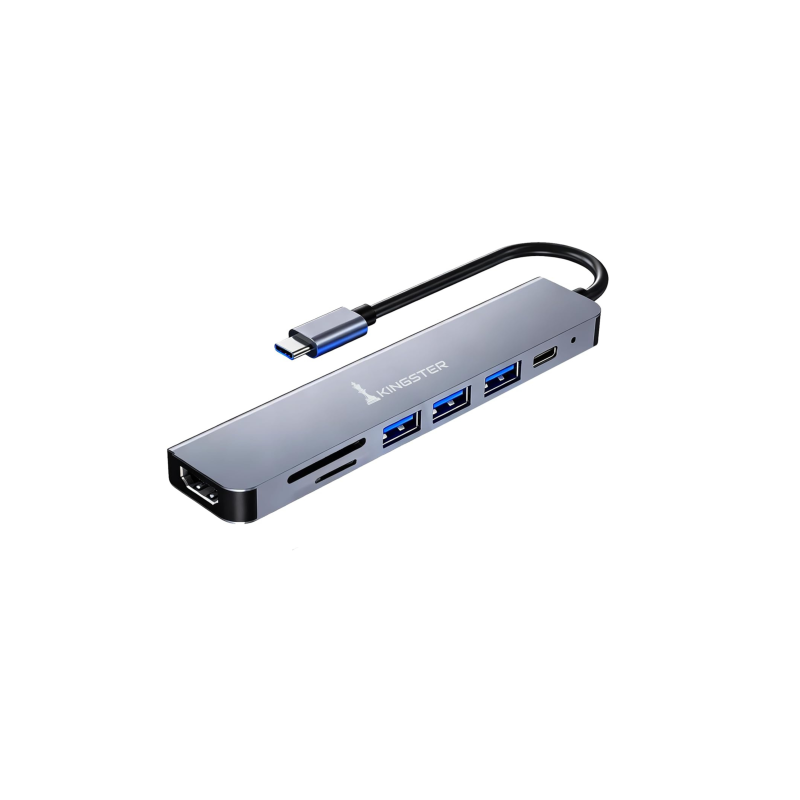
09 July
USB-C hub or USB-A hub — which do you need for your laptop in India? This guide explains the difference, what ports matter, and what to look for before buying.
09 July
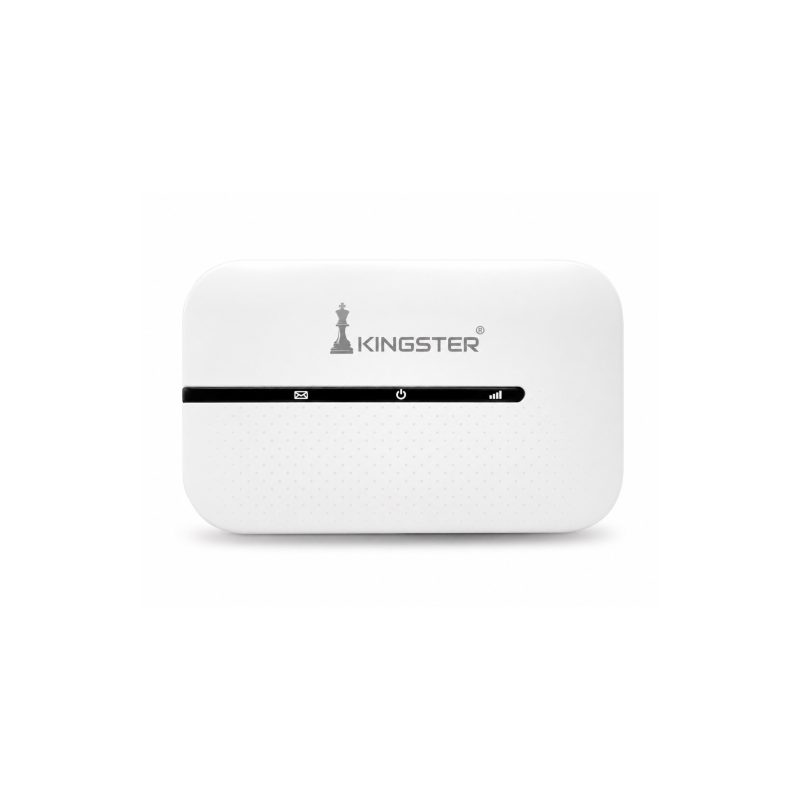
Looking for the best 4G or 5G pocket WiFi hotspot in India? This guide covers what to check — speed, battery, SIM support and price — before buying a portable WiFi router.
09 July
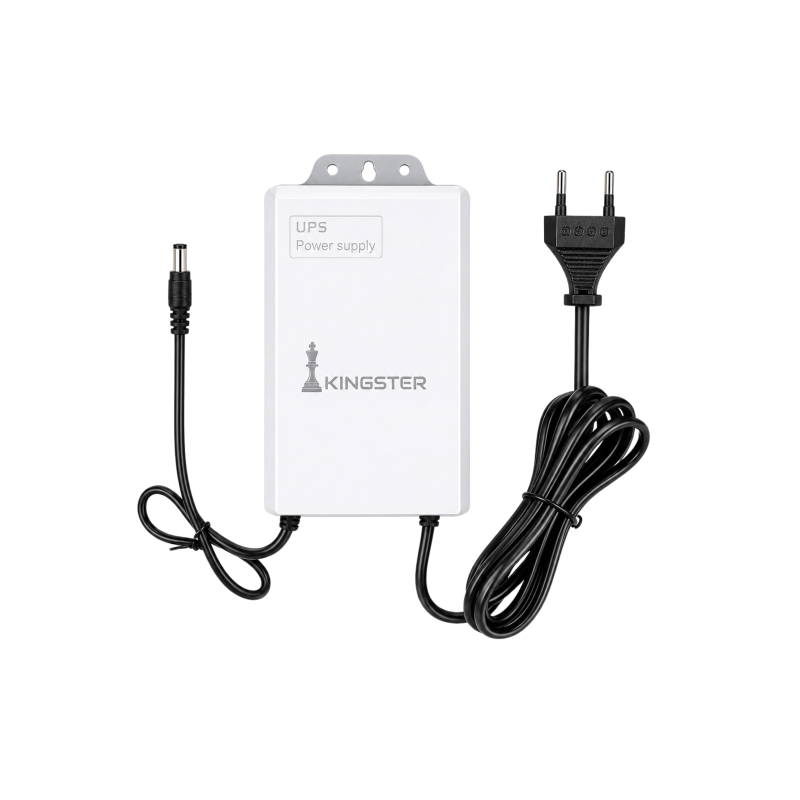
Power cuts are common across India. A mini UPS for your WiFi router keeps your internet running during outages. Here is everything you need to know before buying one.
28 May
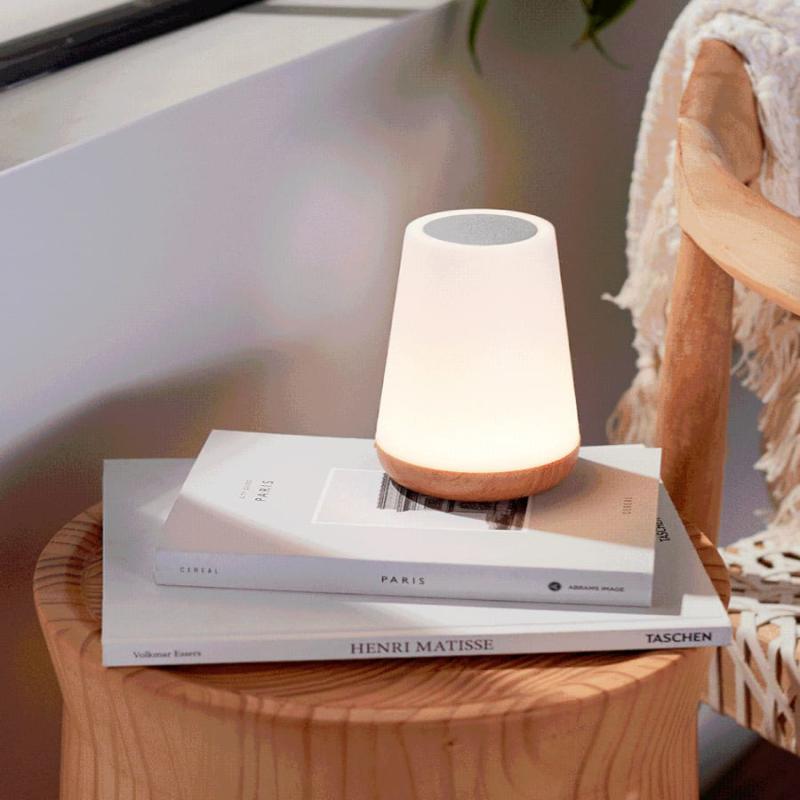
Small calibrations to your phone, watch, and home setup that save hours every week.
Buy ₹100.00 more to get free shipping
Your cart is currently empty. Let us assist you in finding the right product.